Easy Process to Host website on AWS

Host website AWS tutorial image

Hosting a website on Amazon Web Services (AWS) can be challenging for many professionals. This step-by-step guide simplifies the process, helping you save costs and host multiple small websites efficiently. Note: This process is suitable for medium-traffic websites. For high-traffic sites, consider using AWS load balancers. Step-by-Step Process to Host a Website on AWS Launch an EC2 Instance: Start by launching an EC2 instance using the Ubuntu 16.04 AMI from the AWS Marketplace. Download the PEM file during the final step of the instance setup. Configure Security Group: Ensure ports…

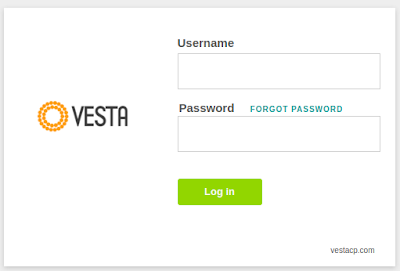
How to Setup Vista Panel on AWS.

Vista Panel AWS setup image

 You can follow below step by step process to setup vista panel aws EC2 instance. Install Vista Panel Step 1:- First you have to login into your EC2 instance on terminal using below command. sudo ssh -i /home/user/Downloads/aws_admin.pem ubuntu@52.66.129.45 Note:- make sure you have given a right path of PEM file to access ec2 instance. Step 2:- Now just run below command one by one. -> apt-get update -y -> apt-get upgrade -y -> nano /etc/hosts -> 127.0.0.1            vestacp.linuxbuz.com -> wget http://vestacp.com/pub/vst-install.sh -> chmod 755…